
Zombie Love Story AI video examples
Same story, different photos. Every version ends back in the sunlight.
Couple version
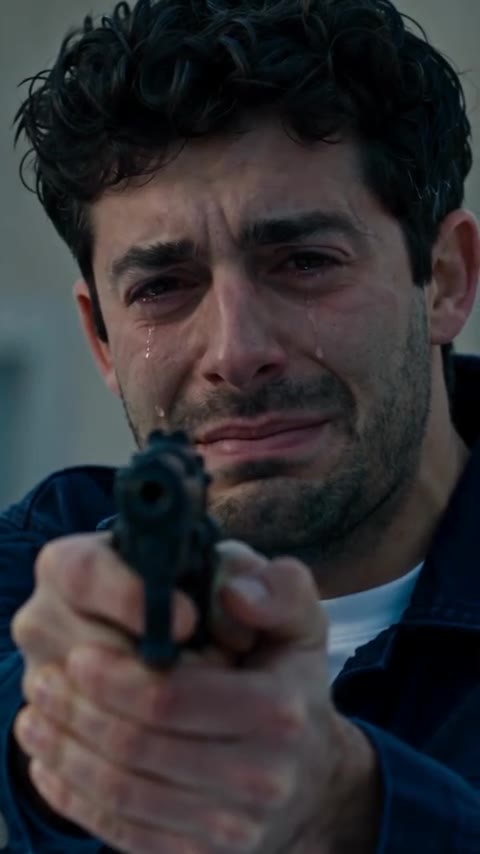
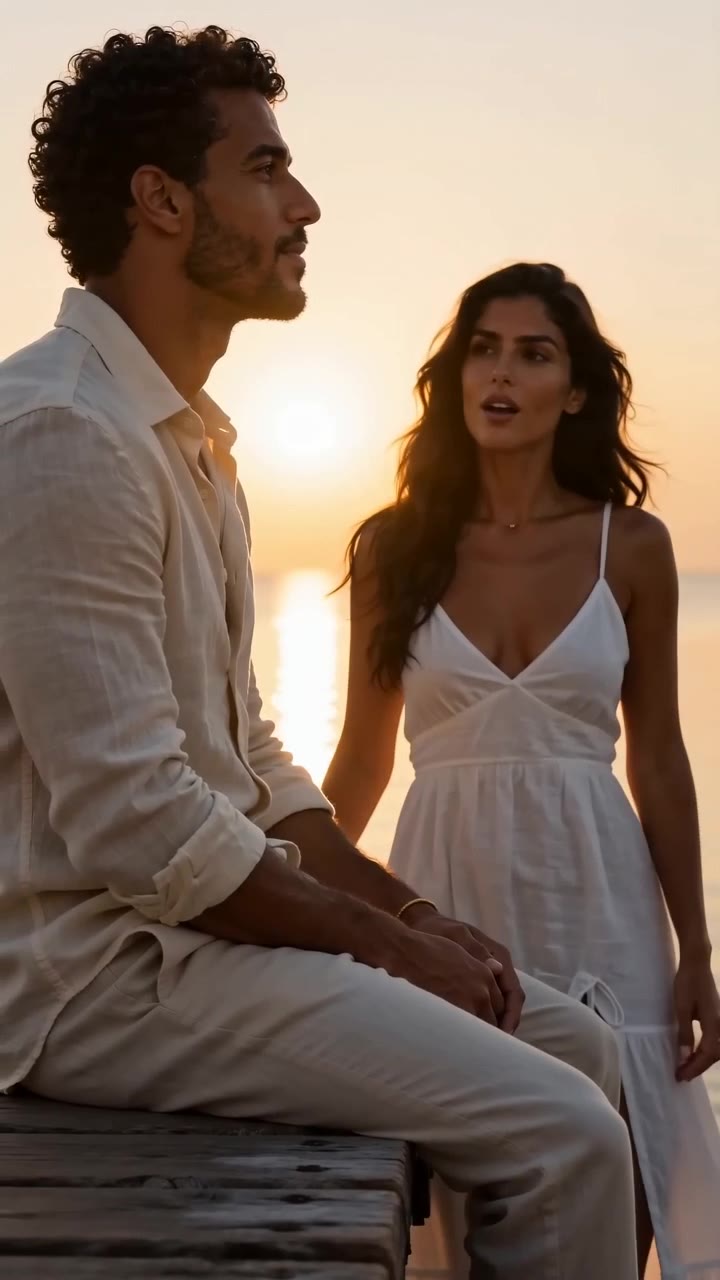
She has turned. He aims the gun in tears, can’t shoot, and she leaps into his arms on a sunlit lawn.
Pet version
The dog has turned. Its owner lowers the gun, and mid-leap it’s their golden retriever again.
Family version
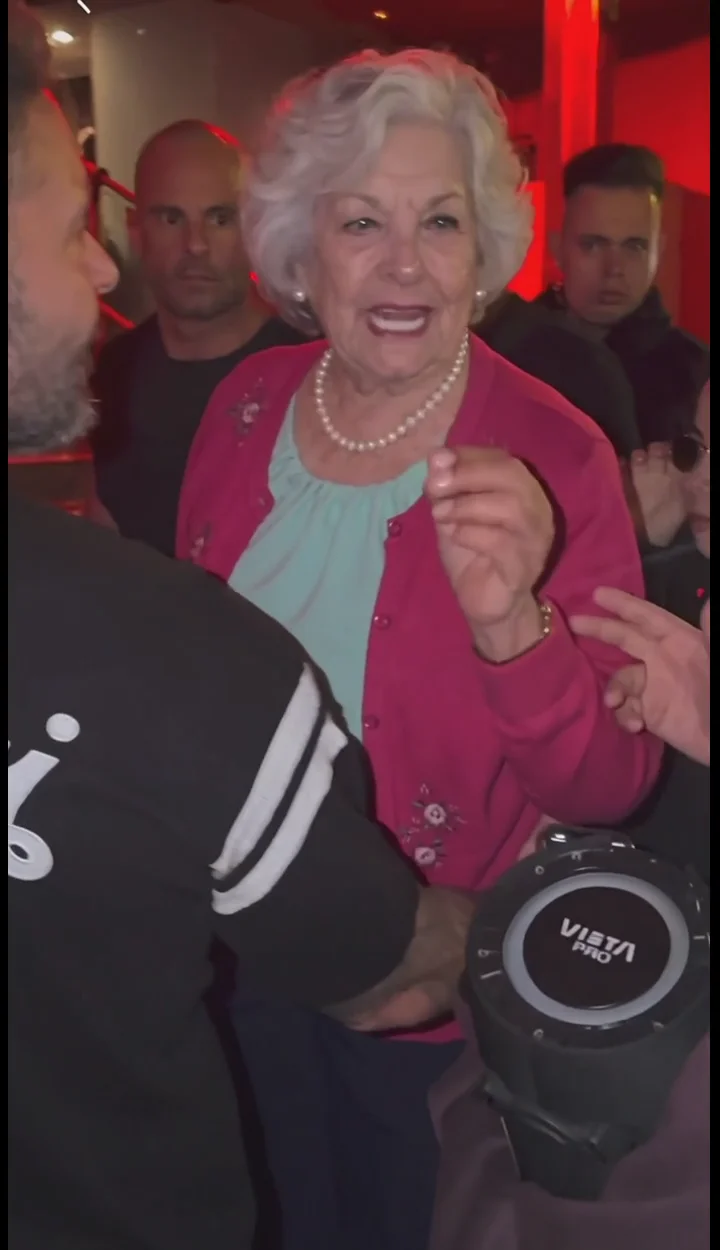
Grandpa has turned. She can’t pull the trigger, and they end up hugging on a road at sunset.
How to make a Zombie Love Story AI video
- 01
Upload the survivor first: the one holding the gun, usually you.
- 02
Upload the one who turns second: a partner, friend, parent or pet.
- 03
Press Generate. The 15-second vertical clip appears under My work, ready to download.
What is the Zombie Love Story AI trend?
Zombie Love Story AI is a short AI film that everyone started remaking at the end of September 2026. It opens on a grey, foggy street after the outbreak. Someone walks out of the mist, and it’s the person you love most, except they’ve turned. You raise the gun with shaking hands and can’t pull the trigger. They leap at you, and mid-leap the screen floods with golden light: it’s the two of you from before, laughing in a hug on the ground.
It started on TikTok in the last week of September and broke out in the first days of October, right as Halloween content picked up. What spread it were one-click templates on CapCut and Dreamina: two photos in, a finished film out, no editing skills needed. From TikTok it moved to Instagram Reels and YouTube Shorts, in English, Spanish, Portuguese and Indonesian.
Why it caught on: it’s scary for five seconds and sweet for the rest, the gun never fires and there’s no blood. The usual caption, “Her: Would you still love me as a zombie? Me:”, turns it into a message you send to your partner. Couples made it first; the versions with a parent, a best friend or the family dog are the ones people shared most.
This template makes it from two photos: the first is the one holding the gun, the second is the one who turns, a person or a pet. They keep their own face, hair and clothes; only the skin goes grey and the eyes cloud over, because it only works if you can still tell who it is. The result is a 15-second vertical clip, ready to post.
What you get
- Photos
- 2 photos
- Length
- 15 seconds
- Resolution
- 720p
- Aspect ratio
- 9:16
- Model
- Seedance 2.0
- Cost
- 218 credits per video
What people make with Zombie Love Story AI
Couples
Answer “would you still love me as a zombie?” with a video.
Friends and siblings
Decide who turns and who can’t pull the trigger.
Parents and kids
Often the most-shared version of the trend.
Pets
Put your dog or cat in the zombie role.
What happens in a Zombie Love Story AI video
About 15 seconds, in four beats:
- The gun: in fog among ruins, the survivor aims at the one who turned, in tears.
- The choice: their hands shake. They can’t shoot.
- The leap: the zombie runs at them and jumps.
- The memory: mid-leap the scene turns golden. Both are themselves again, laughing in a hug on the ground.
Zombie Love Story AI on FlowAIVideo.studio vs typical AI video tools
| Feature | FlowAIVideo.studio | Typical AI video tools |
|---|---|---|
| Prompt | Already written for the trend | Write it yourself and keep retrying |
| Trend storyline | Scene, motion and camera match the trend | Hit or miss; key shots often go missing |
| Steps | Add photos, press Generate | Pick a model, set length, ratio and settings |
| Cost | Shown before you generate | Not always clear up front |
| Failed videos | Credits refunded automatically | Not always refunded |
Which photos work best
Works well
- One person per photo, face fully visible
- Front-facing, even light, half-body framing
- Photo 1 is the survivor, photo 2 turns into the zombie
Avoid
- Group photos
- Sunglasses, masks or hair over the face
- Photos of anyone who hasn’t agreed to it
More AI effects
Zombie Love Story AI FAQ
- How do you do the zombie love story on TikTok?
- Make the clip here, then post it: upload the one holding the gun and the one who turns, press Generate, download the 15-second vertical video and post it with a sad piano or a trending sound.
- Where can I make the zombie love story AI video?
- Right on this page. You don’t need CapCut, Higgsfield or a prompt: add two photos and press Generate.
- Is it gory?
- No. The gun never fires and there’s no blood or biting. It ends in a hug and a warm memory.
- Who turns into the zombie?
- The person or pet in photo 2. Swap the photos to swap the roles.
- Can I make it with friends, family or a pet?
- Yes. Any two people work, and a pet can take the zombie role. Only use photos of people who agreed to it.
- How long is the video?
- About 15 seconds at 720p, vertical 9:16, ready for TikTok, Reels and Shorts.
- Is Zombie Love Story AI free to try?
- Browsing templates and preparing photos is free. Generating a video uses credits based on its length and resolution, and the cost is shown before you generate.
- Which photos work best?
- Clear, well-lit, front-facing photos with one person each. For dance templates, a full-body photo keeps the moves natural.
- What happens if a video fails?
- You aren’t charged for it: the credits for a failed generation are refunded automatically. Try again with a clearer, front-facing photo.
- Can I use photos of friends or famous people?
- Only use photos of people who agreed to it, and don’t use the result to mislead anyone. Songs, artists and characters referenced by a trend belong to their owners; Flow AI Video isn’t affiliated with them.
Make your Zombie Love Story AI video now
Upload a photo, press Generate and get a clip ready for TikTok, Reels and Shorts.
Make my video