
How to make a Bulin 47 AI video
- 01
Upload a clear, front-facing photo for each role in the template.
- 02
Press Generate. Flow AI Video keeps the template’s scene and motion and puts your people into it.
- 03
Save the clip and post it to TikTok, Reels or Shorts. Add music in the app you post with.
What is the Bulin 47 AI trend?
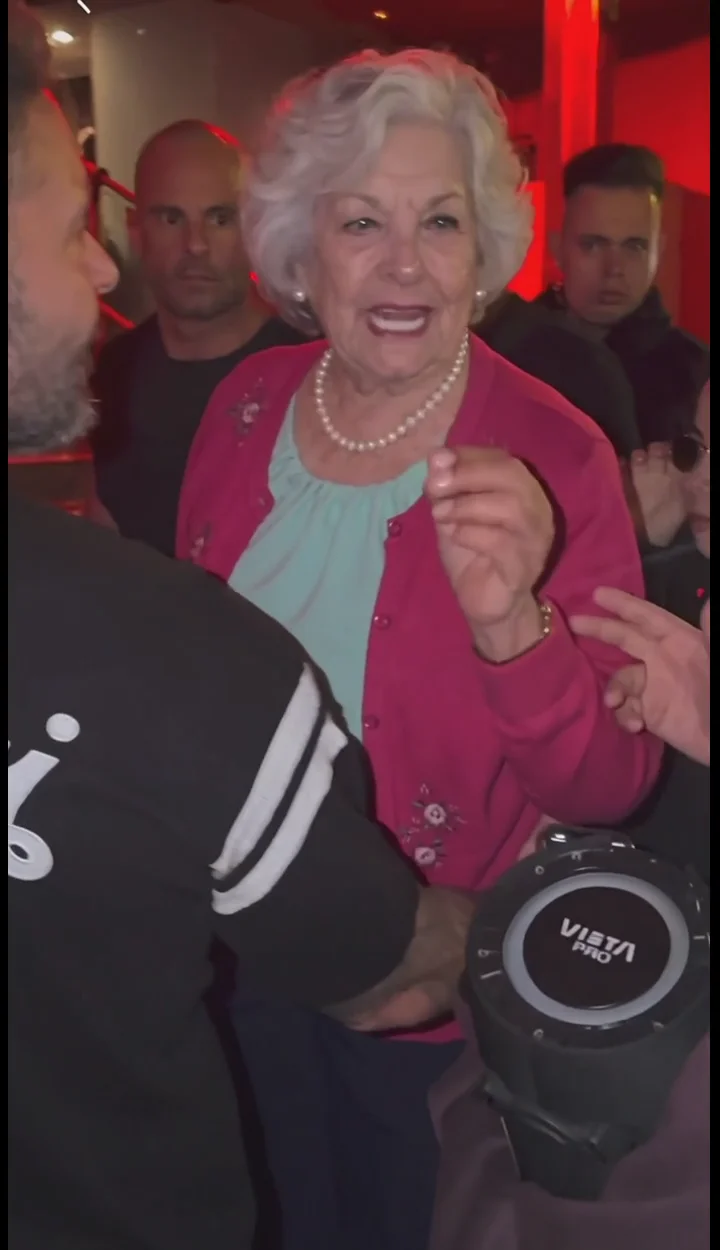
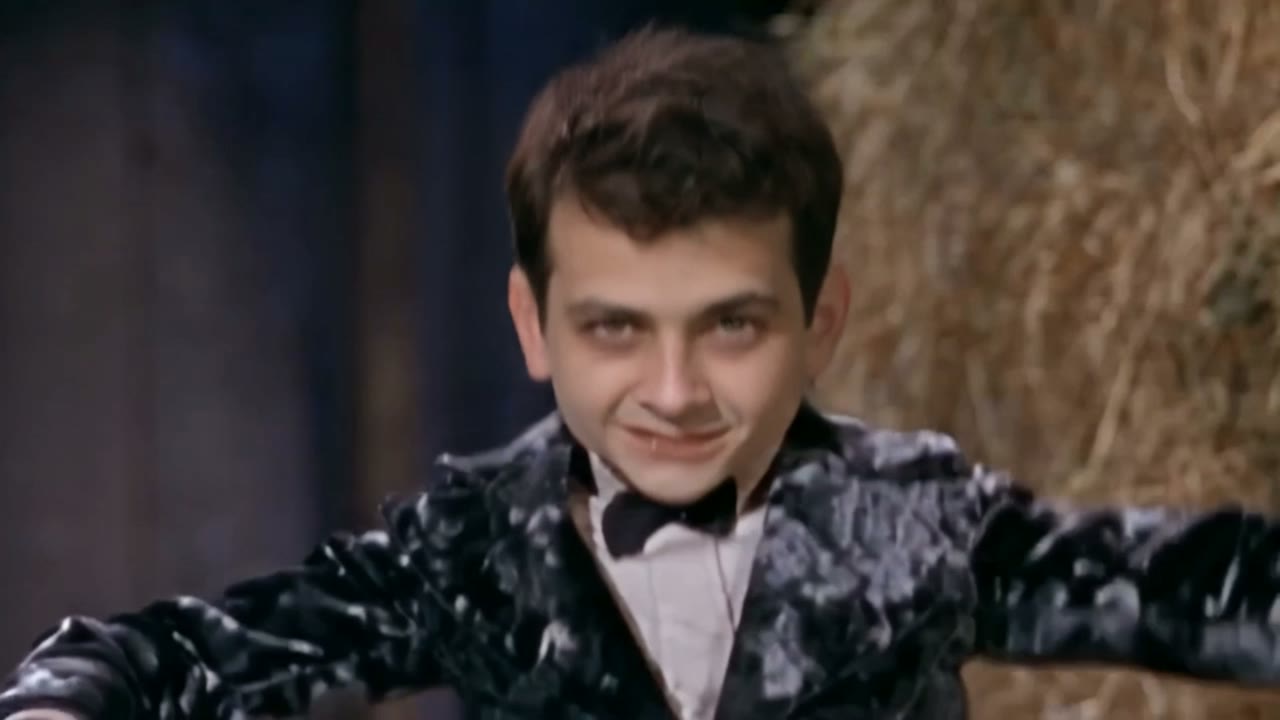
Bulin 47 AI comes from a street freestyle by the Dominican artist Bulin 47. Creator Kevin Wai stopped him with a portable speaker playing a dembow beat, and Bulin 47 answered on the spot with improvised rhymes and dance moves: a red-lit entrance, a crowd gathering, one take.
The clip spread across TikTok and Instagram in early October 2026, and the freestyle was later released as a song, which people search as “Bulin 47 x Kevin Wai – Dame Hombro”. Almost straight away the AI versions followed, swapping in a friend, a parent, a pet or a cartoon character as the freestyler.
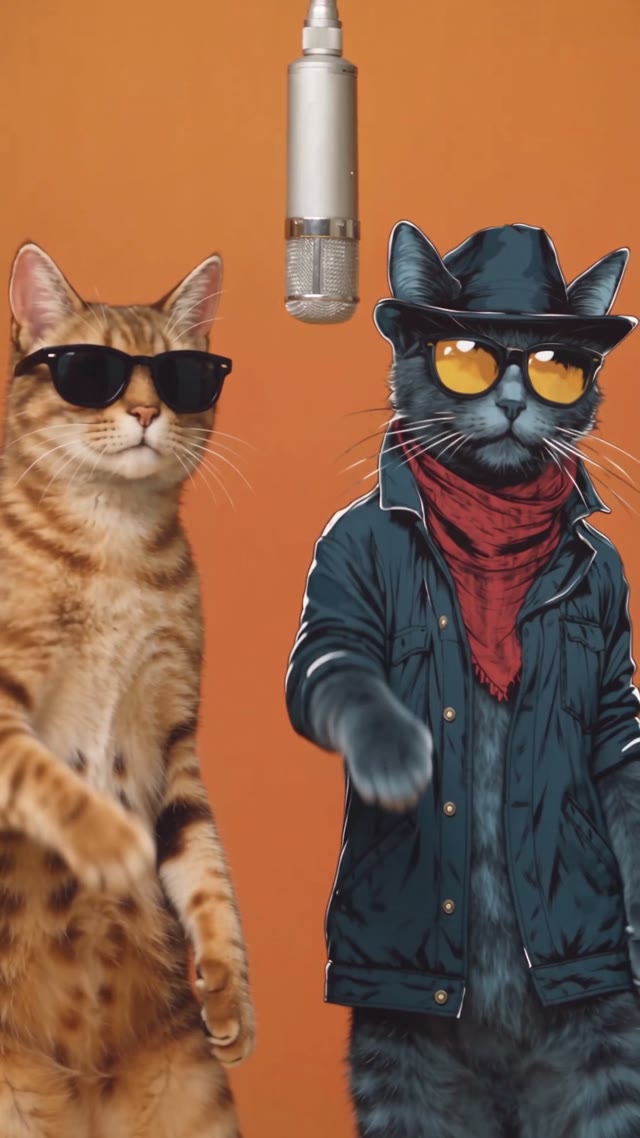
Why it caught on: it’s spontaneous, the beat is catchy and the shoulder moves are easy to copy. In the AI versions everything else stays exactly the same, the speaker, the light and the crowd watching, so the new face is the whole joke.
This template needs one photo. You take the freestyler’s place and keep every move of the original. The result is about 5 seconds. A full-body or half-body photo with your face clearly visible makes the moves look most natural.
What you get
- Photos
- 1 photo
- Length
- 5 seconds
- Resolution
- 720p
- Aspect ratio
- 16:9
- Model
- Seedance 2.0
- Cost
- 150 credits per video
What people make with Bulin 47 AI
Yourself as the freestyler
One selfie and you’re the one performing in front of the crowd.
Friends and family
Cast a friend, a parent or your boss (with their OK) for a group-chat laugh.
Meme replies
A ready reaction clip for comments and stories.
What happens in a Bulin 47 AI video
About 5 seconds, following the original freestyle:
- The scene: a street entrance under a red light, with a portable speaker and a crowd around.
- The swap: you replace the freestyler; the people and setting stay.
- The moves: every move of the original freestyle, now performed by you.
Bulin 47 AI on FlowAIVideo.studio vs typical AI video tools
| Feature | FlowAIVideo.studio | Typical AI video tools |
|---|---|---|
| Prompt | Already written for the trend | Write it yourself and keep retrying |
| Trend storyline | Scene, motion and camera match the trend | Hit or miss; key shots often go missing |
| Steps | Add photos, press Generate | Pick a model, set length, ratio and settings |
| Cost | Shown before you generate | Not always clear up front |
| Failed videos | Credits refunded automatically | Not always refunded |
Which photos work best
Works well
- One person, face clearly visible
- Full-body or half-body, so the moves look natural
- Even light without heavy shadows
Avoid
- Group photos
- Sunglasses, masks or hair over the face
- Photos of anyone who hasn’t agreed to it
More AI effects
Bulin 47 AI FAQ
- How do you do the Bulin 47 AI video?
- Upload one clear photo of yourself and press Generate. Flow AI Video replaces the freestyler with you and keeps the street entrance, the red light, the portable speaker, the crowd and every move.
- What song is in the Bulin 47 AI trend?
- The trend comes from Bulin 47’s street freestyle with Kevin Wai, which people search as “Bulin 47 x Kevin Wai – Dame Hombro”. The template makes the video; add the sound in the app you post with.
- Does a full-body photo work better?
- Yes. A full-body or half-body photo shows your build and clothes, so the dance looks more natural. Keep your face clear and well lit.
- Is Bulin 47 AI free to try?
- Browsing templates and preparing photos is free. Generating a video uses credits based on its length and resolution, and the cost is shown before you generate.
- Which photos work best?
- Clear, well-lit, front-facing photos with one person each. For dance templates, a full-body photo keeps the moves natural.
- What happens if a video fails?
- You aren’t charged for it: the credits for a failed generation are refunded automatically. Try again with a clearer, front-facing photo.
- Can I use photos of friends or famous people?
- Only use photos of people who agreed to it, and don’t use the result to mislead anyone. Songs, artists and characters referenced by a trend belong to their owners; Flow AI Video isn’t affiliated with them.
Make your Bulin 47 AI video now
Upload a photo, press Generate and get a clip ready for TikTok, Reels and Shorts.
Make my video