
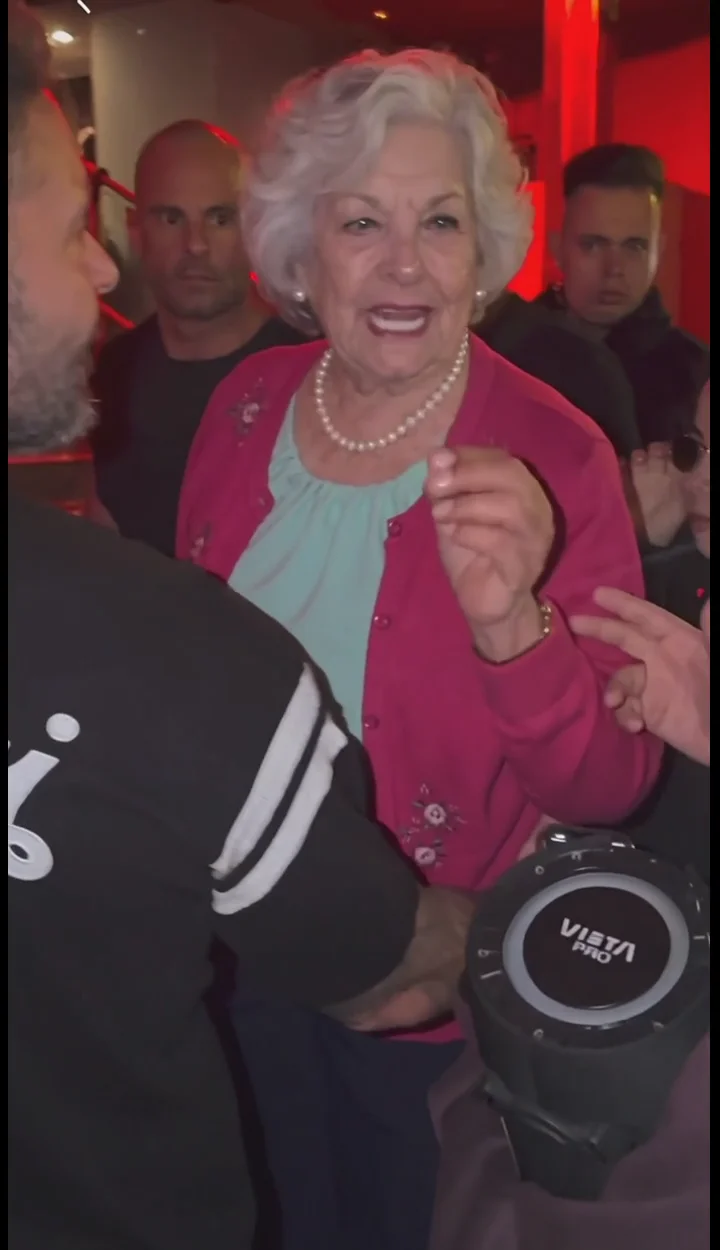
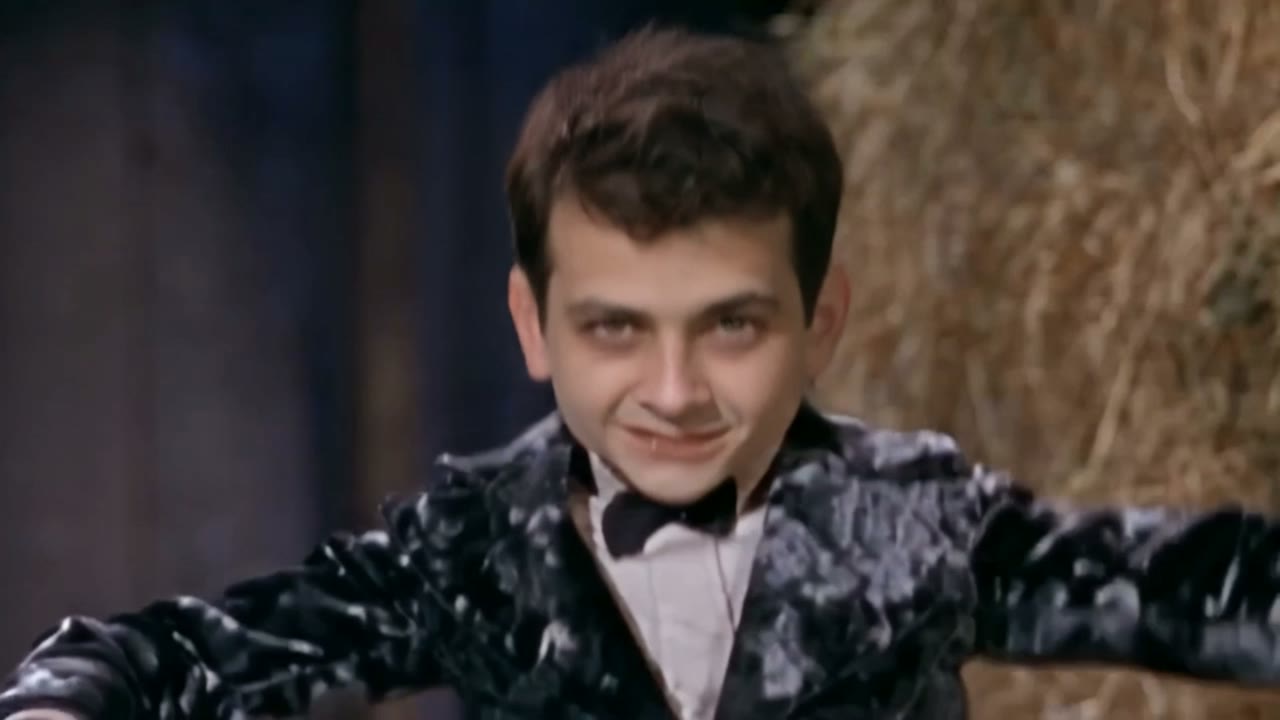
What are AI video templates?
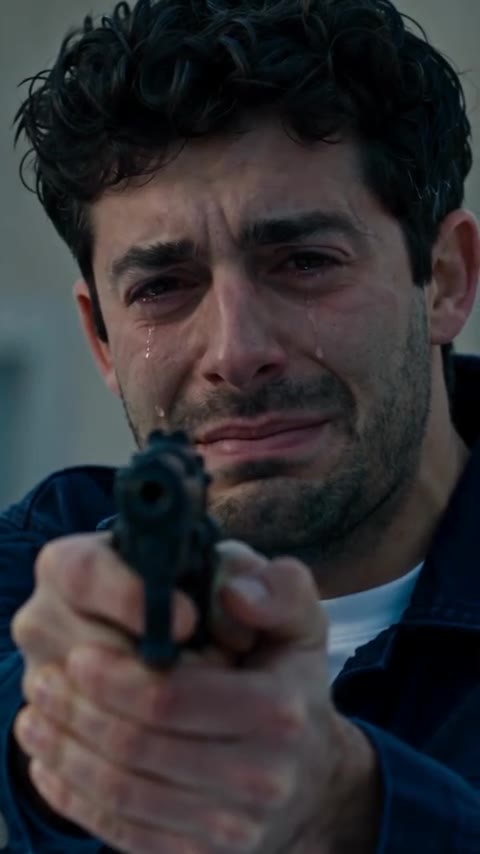
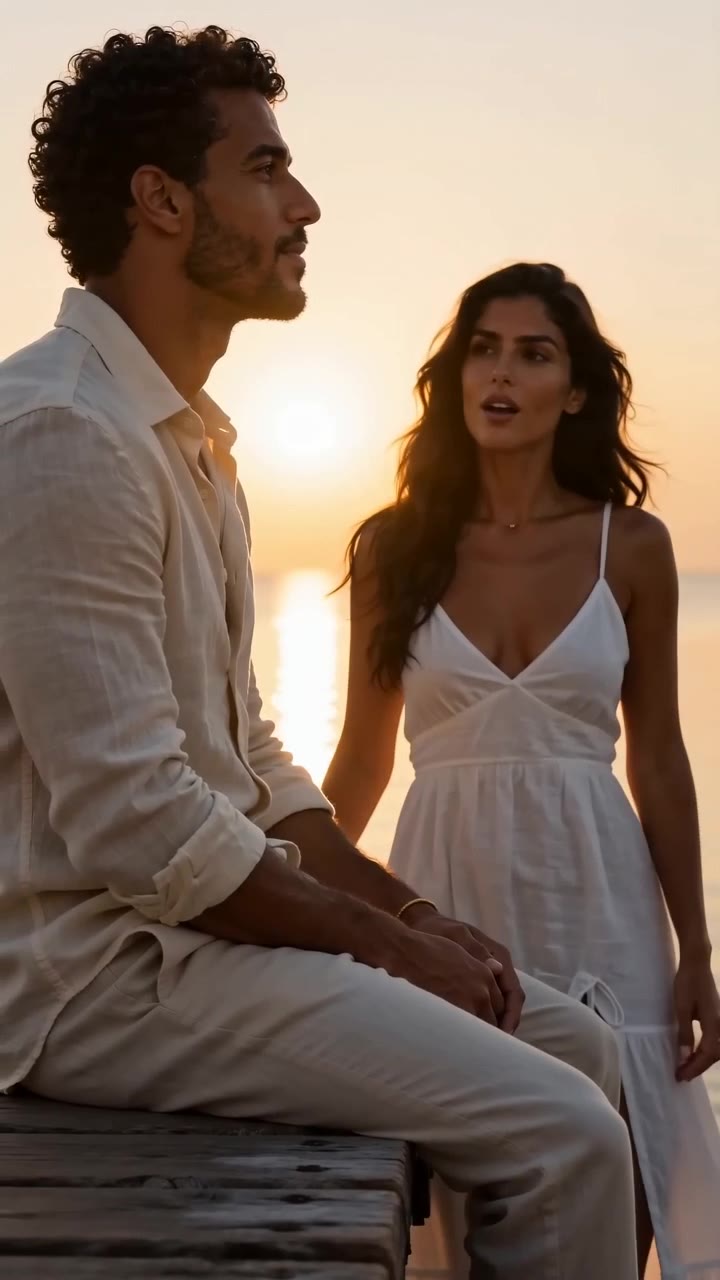
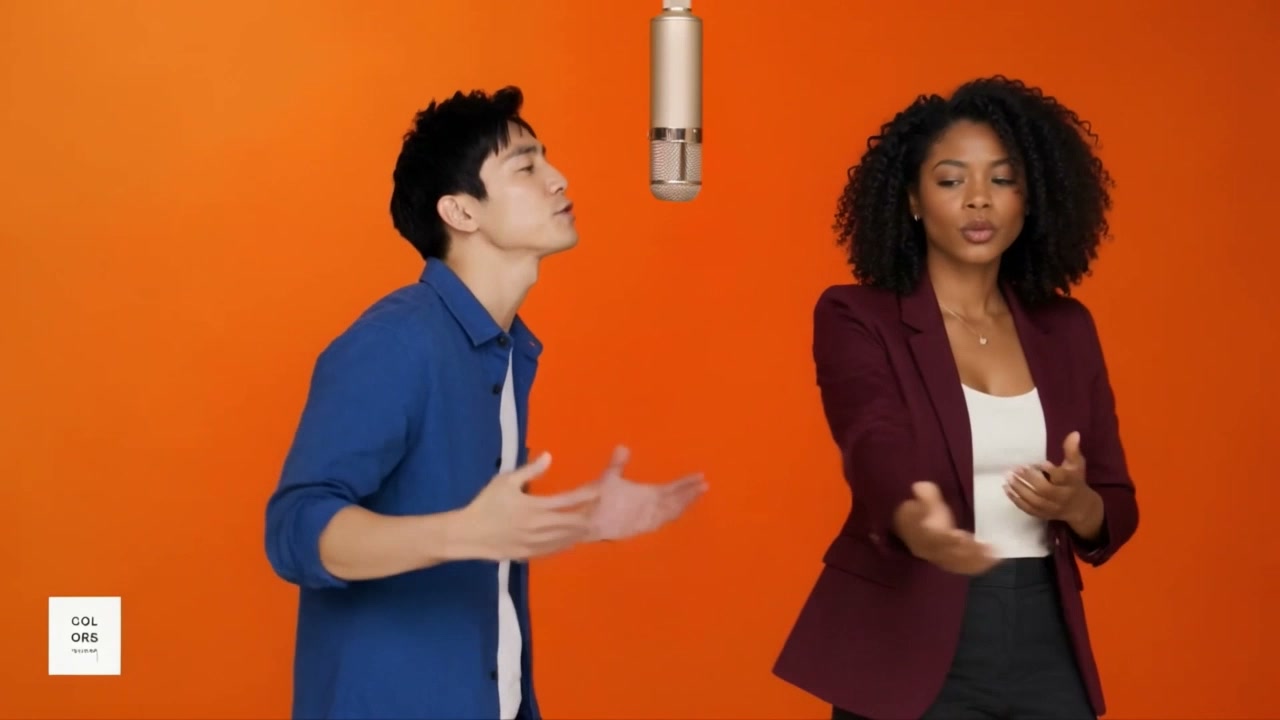
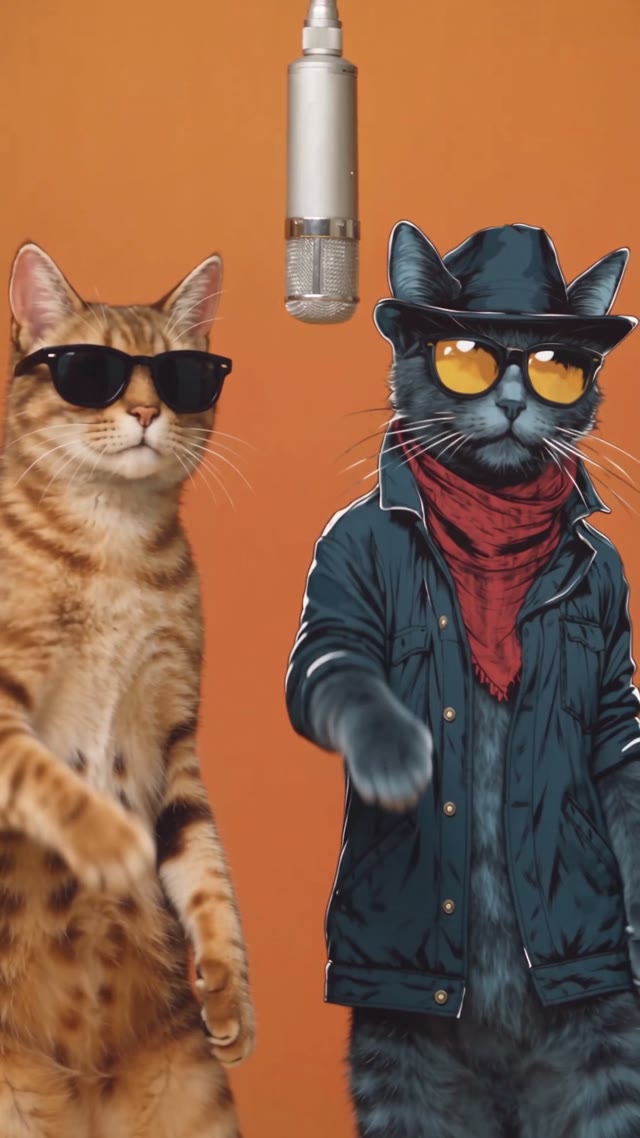
AI video templates are ready-made effects that turn one or two photos into a finished viral clip. Each Flow AI Video template sets the scene, camera moves, model and prompt for you, so you only add the people. The templates follow trends from TikTok, Instagram Reels and YouTube Shorts, and new ones are added as trends take off.
Templates by type
- Two photos (couples & friends)
- Zombie Love Story AI, Raindance AI, Hotel Lobby AI, Migos AI
- One photo
- Bulin 47 AI, Rumpelstiltskin AI
- Dance
- Hotel Lobby AI, Migos AI, Bulin 47 AI
How do these AI video templates work?
- 1
Pick a trend
Open a template and watch the example clip to see the scene you will get.
- 2
Add your photo
Upload one or two clear photos with visible faces. The template already has the prompt.
- 3
Generate and share
Flow AI Video makes your version on the same page. Download it and post it to TikTok, Reels or Shorts.
AI video template questions
- Do I need to write a prompt?
- No. Every template already includes the scene, motion and prompt. You only upload your photos.
- How much does an AI video template cost?
- Each video uses credits, based on the model and the clip length. If a video fails, its credits go back to your balance automatically.
- What photos work best?
- Clear, well-lit photos with one visible face each. Front-facing shots without sunglasses or heavy filters give the most accurate result.
- Can I use photos of other people?
- Only photos you own or have permission to use, and only of people who agreed to it. See the Content Policy for what is not allowed.
- How often are new templates added?
- New templates are added as trends take off on TikTok, Instagram Reels and YouTube Shorts. The date at the top of this page shows when the list was last checked.