
How to make a Raindance AI video
- 01
Upload a clear, front-facing photo for each role in the template.
- 02
Press Generate. Flow AI Video keeps the template’s scene and motion and puts your people into it.
- 03
Save the clip and post it to TikTok, Reels or Shorts. Add music in the app you post with.
What is the Raindance AI trend?
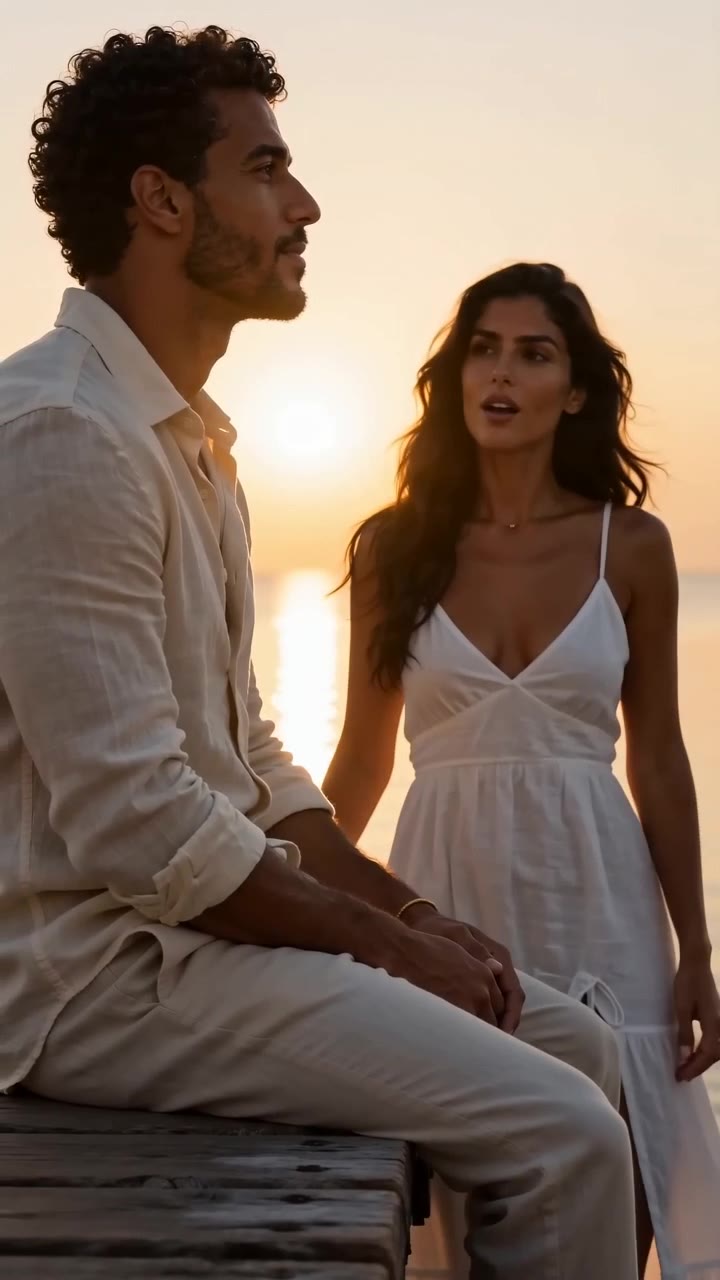
Raindance AI recreates a scene from the music video for “Raindance” by Dave featuring Tems: one person sits at the end of a wooden pier over the water while the other sings to them, in low, moody light. The song is real; the AI part is recasting the two people.
By early October 2026 the pier scene had become a TikTok template, part of a wave of AI motion-reference trends where people reuse one famous shot with new faces. Tutorials spread fast, many of them built in Higgsfield with a hand-written prompt, and people also search how to do it in CapCut.
Why it caught on: the scene works both ways. Real couples and friends use it straight, and parodies pair people who are normally rivals, such as Shrek and Lord Farquaad, or Erling Haaland and Jude Bellingham.
This template needs no prompt: photo 1 sits at the end of the pier and photo 2 sings to them. The clip follows the original scene’s camera moves, timing and mood, and runs about 5 seconds. Half-body or full-body photos with one person each work best.
What you get
- Photos
- 2 photos
- Length
- 5 seconds
- Resolution
- 720p
- Aspect ratio
- 16:9
- Model
- Seedance 2.0
- Cost
- 105 credits per video
What people make with Raindance AI
Couples
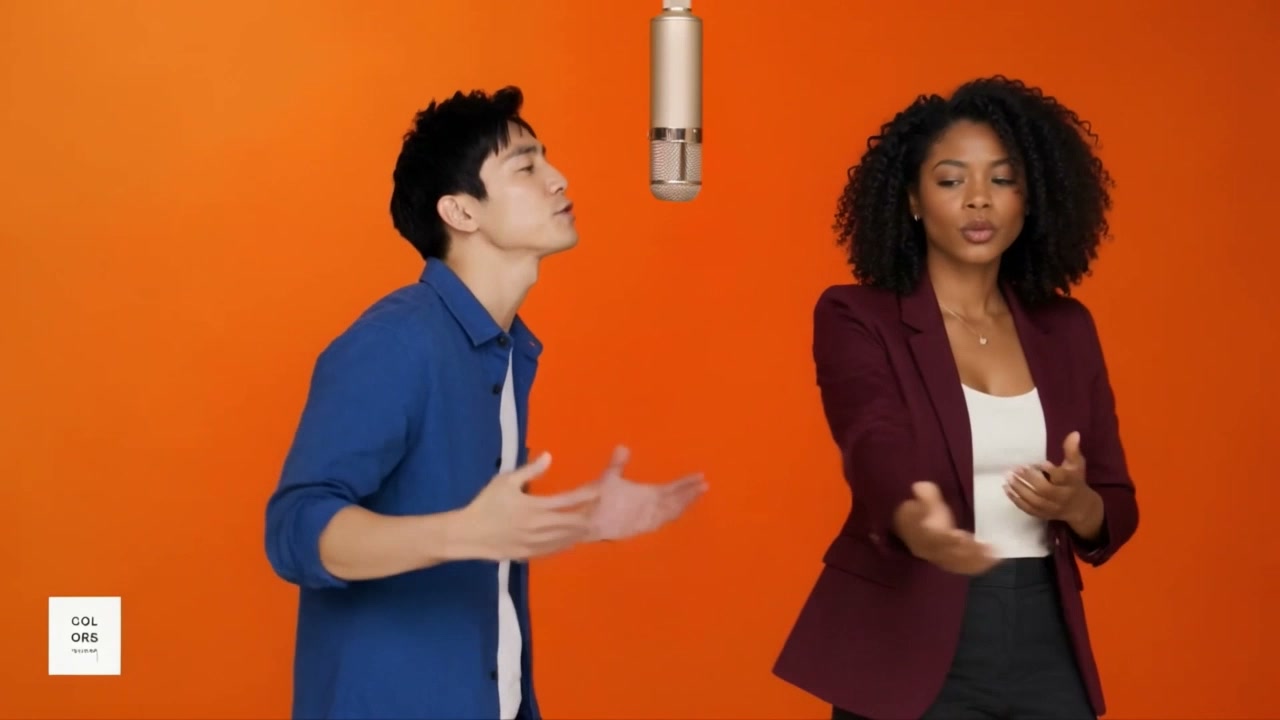
The romantic version: one of you sits on the pier while the other sings.
Best friends
The same moody scene, played for laughs or played straight.
Pets and characters
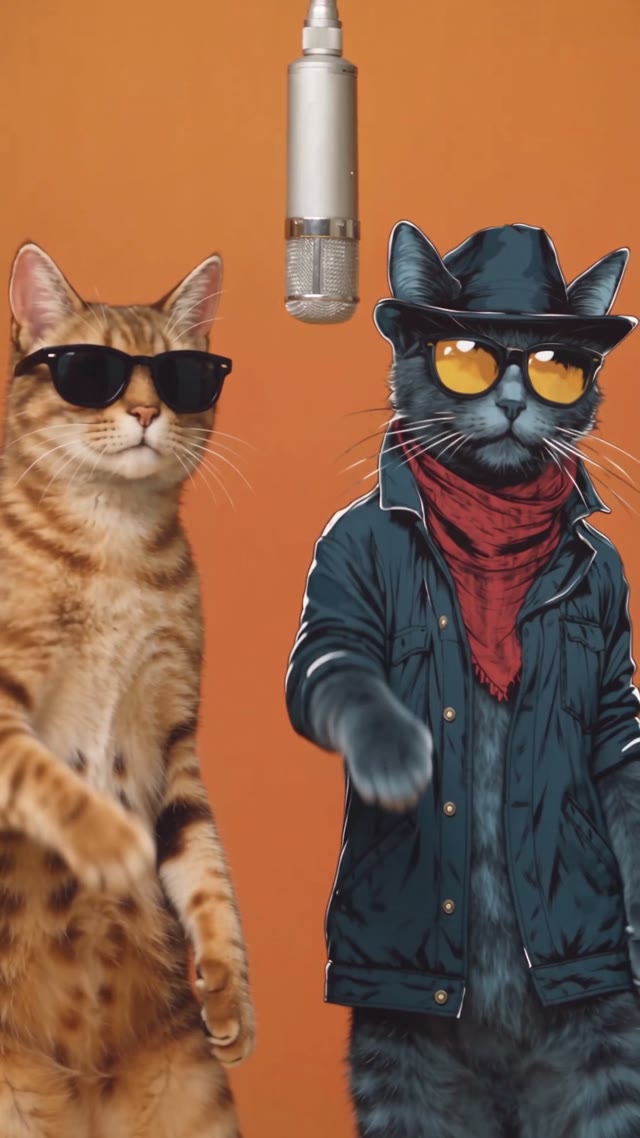
Serenade your dog or cast a favourite character.
What happens in a Raindance AI video
About 5 seconds, following the reference scene shot for shot:
- The pier: a wooden pier over the water in moody light.
- The roles: photo 1 sits at the end of the pier and photo 2 sings to them.
- The camera: the moves and timing of the original “Raindance” scene.
Raindance AI on FlowAIVideo.studio vs typical AI video tools
| Feature | FlowAIVideo.studio | Typical AI video tools |
|---|---|---|
| Prompt | Already written for the trend | Write it yourself and keep retrying |
| Trend storyline | Scene, motion and camera match the trend | Hit or miss; key shots often go missing |
| Steps | Add photos, press Generate | Pick a model, set length, ratio and settings |
| Cost | Shown before you generate | Not always clear up front |
| Failed videos | Credits refunded automatically | Not always refunded |
Which photos work best
Works well
- One person per photo, face clearly visible
- Half-body or full-body for the sitting and standing roles
- Photo 1 sits, photo 2 sings
Avoid
- Group photos
- Sunglasses, masks or hair over the face
- Photos of anyone who hasn’t agreed to it
More AI effects
Raindance AI FAQ
- How do you do the Raindance meme?
- Upload two photos: one for the person sitting at the end of the pier and one for the person singing to them. Press Generate and the clip follows the original’s camera moves, timing and moody light.
- How do I make the Dave and Tems Raindance video with AI?
- Use this template. It recreates the pier scene from the “Raindance” video shot for shot with your two people, so there’s no prompt to write and nothing to edit.
- Do I need Higgsfield to make the Raindance AI video?
- No. Many tutorials use Higgsfield with a hand-written prompt; here the prompt and settings are already set, so you only add two photos.
- Is Raindance AI free to try?
- Browsing templates and preparing photos is free. Generating a video uses credits based on its length and resolution, and the cost is shown before you generate.
- Which photos work best?
- Clear, well-lit, front-facing photos with one person each. For dance templates, a full-body photo keeps the moves natural.
- What happens if a video fails?
- You aren’t charged for it: the credits for a failed generation are refunded automatically. Try again with a clearer, front-facing photo.
- Can I use photos of friends or famous people?
- Only use photos of people who agreed to it, and don’t use the result to mislead anyone. Songs, artists and characters referenced by a trend belong to their owners; Flow AI Video isn’t affiliated with them.
Make your Raindance AI video now
Upload a photo, press Generate and get a clip ready for TikTok, Reels and Shorts.
Make my video